Topology Studio
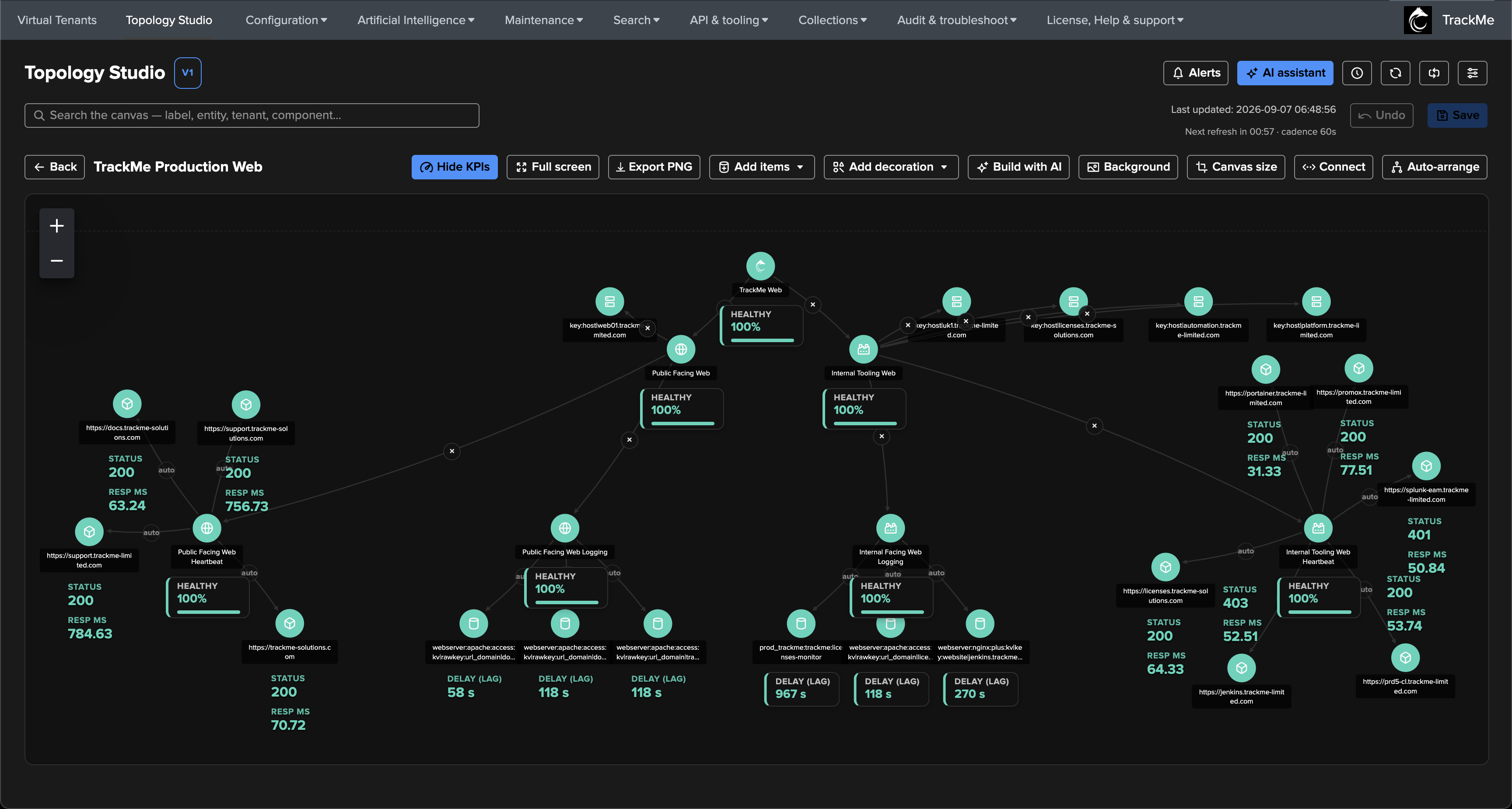
Topology Studio is TrackMe’s canvas for your view of the environment: build live topology maps from real TrackMe entities — place them, connect them, share them with your teams, and watch their status update in real time. And because a map you cannot act on is just a picture, any topology can also alert: a state-aware engine correlates the health of everything the map covers and notifies you the moment the picture degrades.
Overview — what Topology Studio is, its core concepts, and how it compares to the built-in topology views and Virtual Groups.
Creating dynamic views from Tenant Home — generate a live canvas from any Virtual Tenant, choose a hierarchy, filter and inspect its members, then save it for continued authoring (TrackMe 2.4.16+).
End-to-end example — a complete worked example, screen by screen: a production Web platform monitored across its public-facing and internal-tooling sides, from the first aggregate to a real incident alerting and resolving.
Authoring topologies — creating views, the canvas editor, node types, edges, visuals, and sharing.
Auto aggregates — combine connected entities, aggregates and saved views into a live service-health parent, without duplicating scopes or filters (TrackMe 2.4.18+).
Decorations and canvas layout — shapes, images and free text drawn directly on the canvas, and explicit canvas sizing for presentation-perfect views.
Topology Alerts — smart, state-aware alerting and correlation on your maps.
Views browser and display modes — the landing page: Cards, Compact cards and List layouts, search and category filtering, what is remembered per user, and the deployment-wide default administrators choose.
View integrity and consistency checks — detect stale tenant/component references and alert configuration issues, then repair the affected views.
AI integration — the AI Assistant understands your topologies, and can even build them for you.
Administration — permissions, tenant isolation, licensing, export/import, and operational internals.
Note
Topology Studio was introduced in TrackMe 2.4.9 as a major new product feature. It is available to every edition — Foundation, Enterprise and Unlimited, and active trials — including the complete authoring experience and Topology Alerts. See Licensing for the only gate, license read-only mode.
- Overview
- Creating dynamic views from Tenant Home
- End-to-end example — monitoring a production Web platform
- Authoring topologies
- Auto aggregates — compose service health
- Decorations and canvas layout
- Topology Alerts
- Views browser and display modes
- View integrity and consistency checks
- AI integration
- Administration